Insights
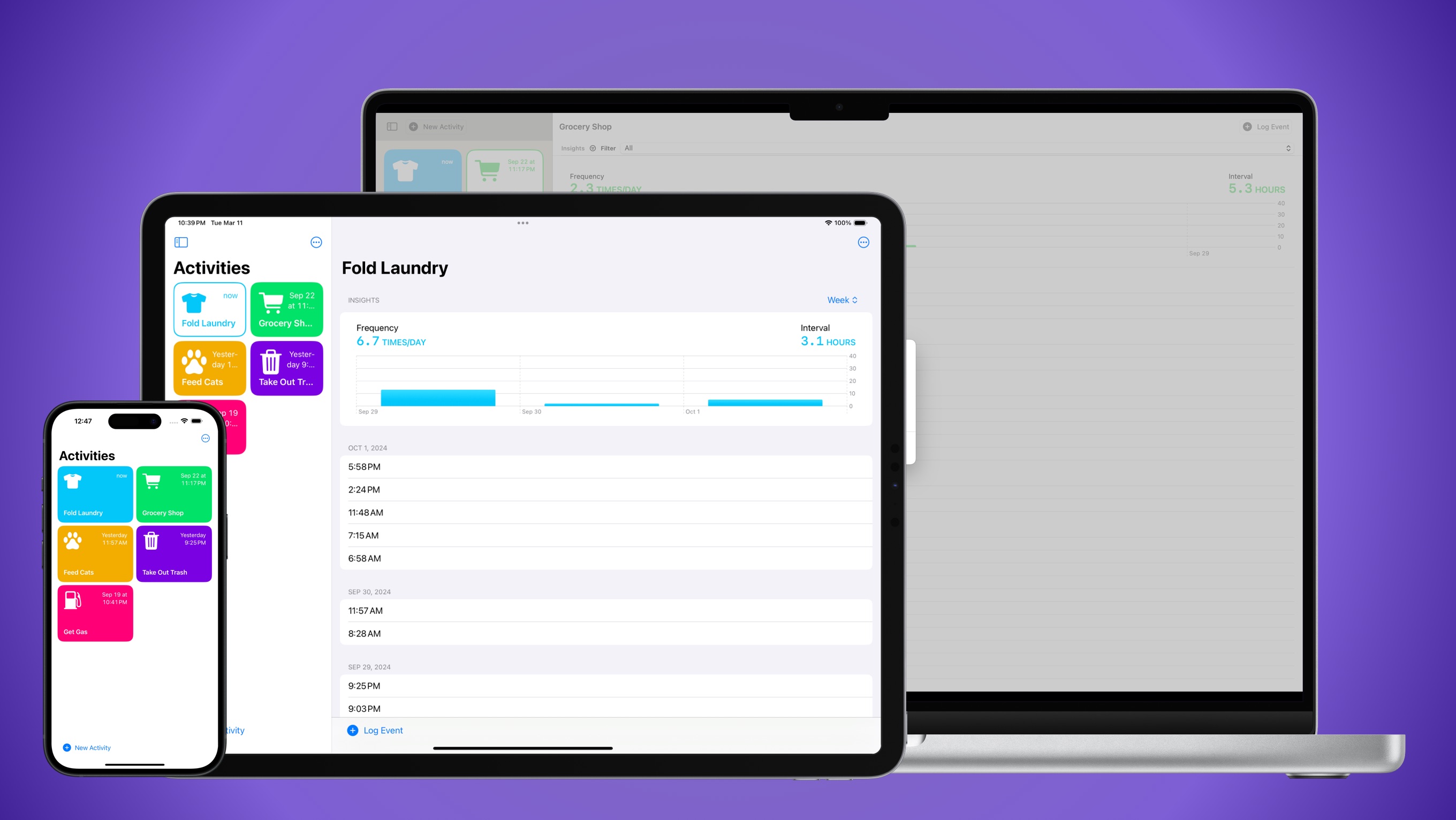
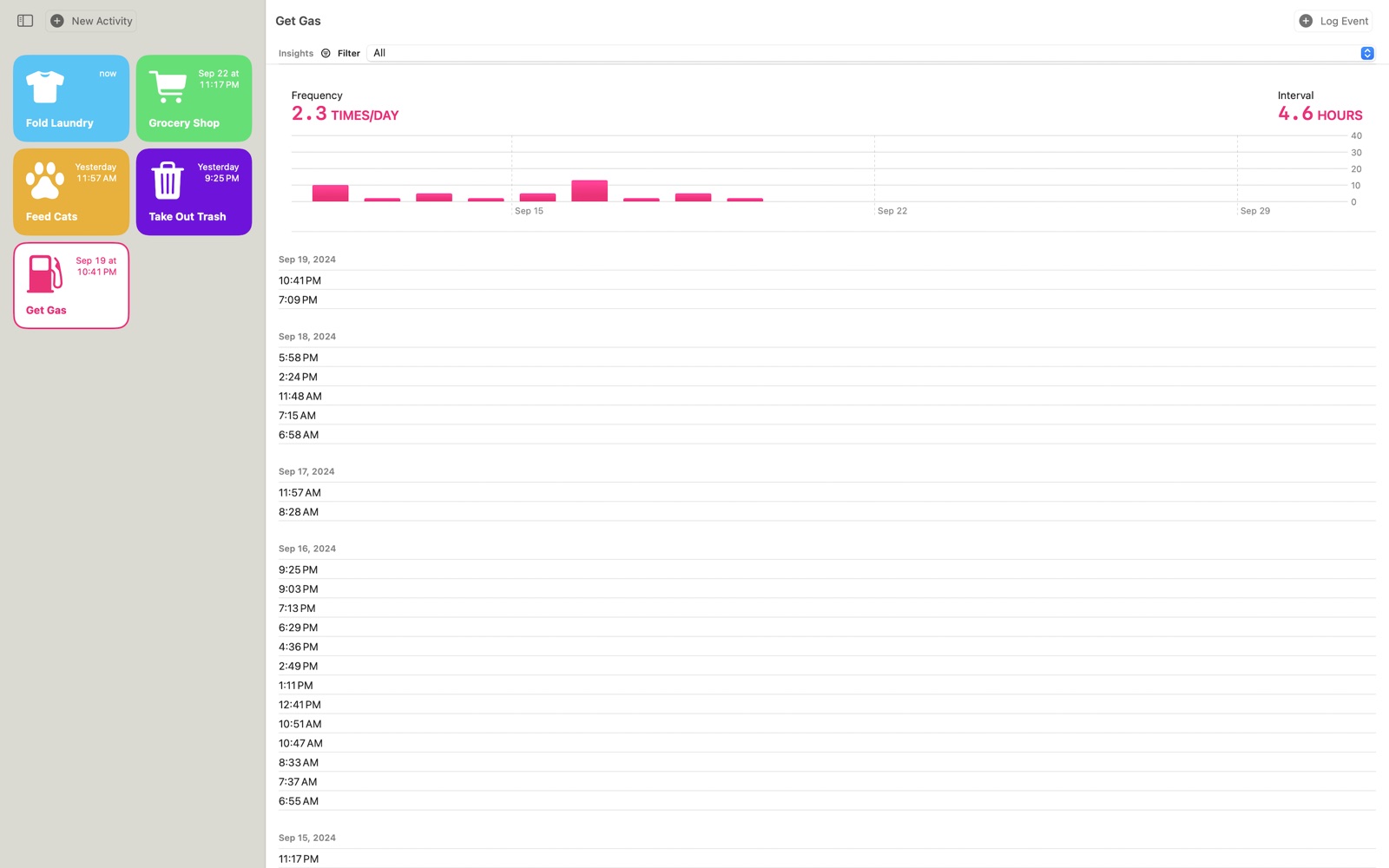
See how often you do something and the average time between events, as a day, week, month or all-time chart.
Log an activity with a tap. Mimeer keeps track of when you last did it, and how often.
For iPhone, iPad and Mac
How It Works
Name the thing you want to keep track of, then pick one of hundreds of icons and give it a color.
Did it again? Press and hold its card to log an event.
Every card shows how long ago it last happened, so you can answer “when did I last…?” at a glance.
Features
See how often you do something and the average time between events, as a day, week, month or all-time chart.
Put an activity on your Home Screen or Lock Screen. Tap the widget to log an event without opening the app.
Choose from hundreds of symbols in 21 categories, and any color you like.
Add a note to an activity or event, and record how long it took.
Your activities stay on your devices and in your own iCloud. No accounts, no ads, no tracking.
Mimeer is built natively for each platform and syncs through iCloud, so your activities are up to date everywhere.

Mimeer's source code is public on GitHub. See how it's made, or how your data is handled.
Available on the App Store for iPhone, iPad and Mac.
Download on theApp Store